The Short Answer
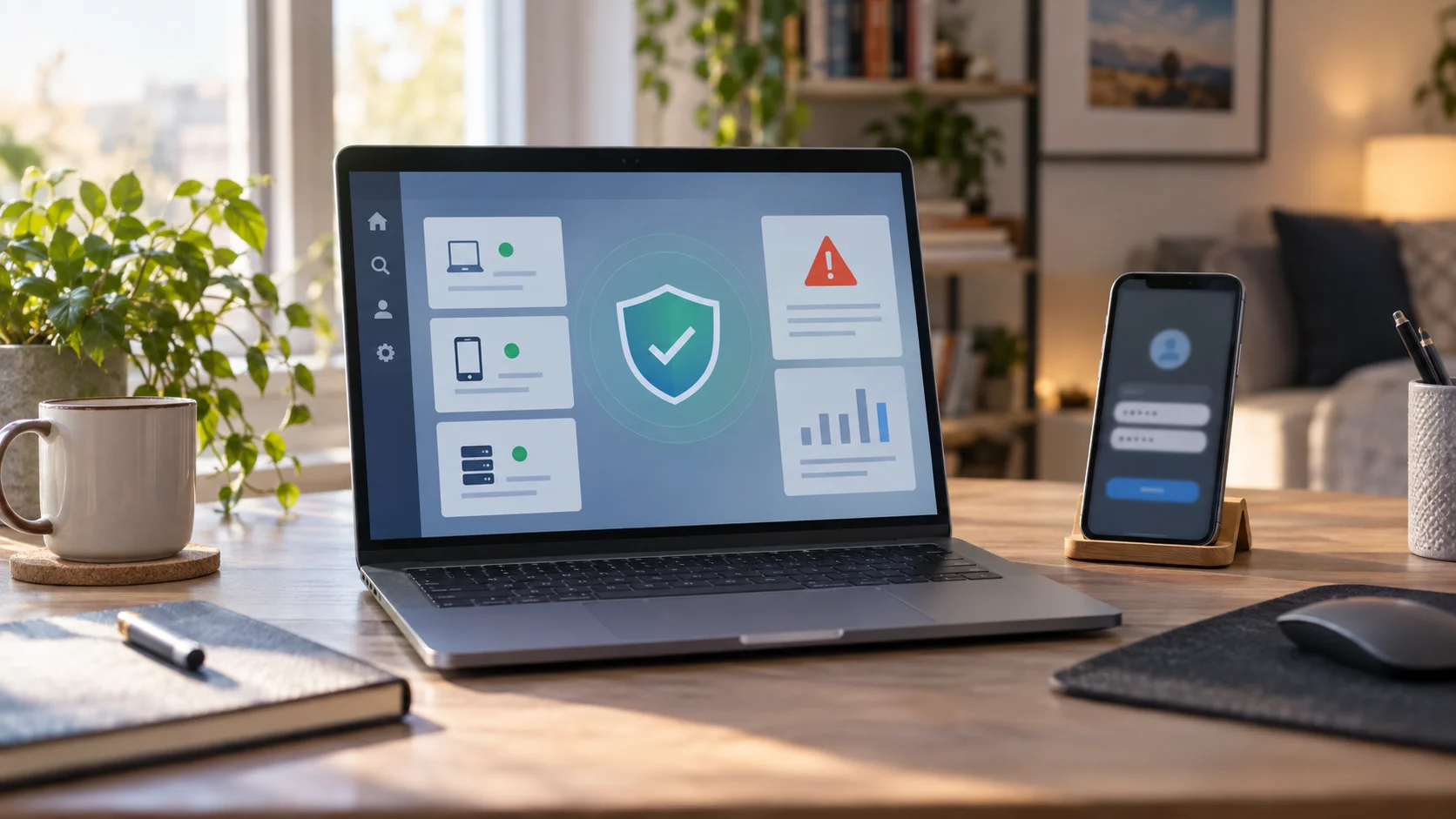
Yes, most people still need antivirus protection in 2026, but the useful answer is no longer simply to install one app and forget about it. Modern antivirus is part of a wider safety stack that includes operating-system updates, browser protection, password hygiene, phishing awareness, cloud backups, and ransomware recovery planning. The best security setup is boring on purpose: it blocks common threats quietly, warns you before risky clicks become expensive mistakes, and gives you a recovery path when something slips through.
The reason this question keeps coming back is that built-in security has become much better. Windows, macOS, iOS, Android, and major browsers now handle many threats that once required separate tools. That does not make antivirus irrelevant. It changes what people should expect from it. In 2026, antivirus is most valuable when it acts as one layer in a practical defense against ransomware, credential theft, fake downloads, malicious email attachments, and social-engineering attacks that begin outside the traditional definition of a computer virus.
Why Ransomware Keeps Antivirus Relevant
Ransomware remains the clearest reason antivirus still matters. The FBI describes ransomware as malicious software that can block access to systems or data until a payment is demanded, and it points readers toward prevention, reporting, and recovery guidance through its ransomware resource page. That matters for home users as well as businesses because many attacks begin with ordinary behavior: opening an attachment, trusting a fake update, downloading a cracked installer, or clicking a link that looks routine.
Recent government advisories show how active the threat landscape still is. On August 10, 2026, CISA, the FBI, and partner agencies released a Gunra ransomware advisory, noting that the operation had expanded from its earlier emergence into a ransomware-as-a-service affiliate model and had targeted critical infrastructure sectors. Consumer antivirus is not a magic shield against a professional ransomware crew, but endpoint protection, exploit blocking, reputation checks, and suspicious-behavior detection can stop many of the paths those attacks use before encryption or data theft begins.
What Antivirus Means Now
The word antivirus can be misleading because many current security products do more than scan for known virus signatures. A modern security engine may inspect downloads, watch for unusual file changes, block malicious websites, isolate suspicious scripts, protect browser sessions, monitor email links, and warn when credentials appear in a breach. The useful question is not whether a product says antivirus on the box. The useful question is whether your devices have real-time protection, fast updates, ransomware controls, safe browsing, and a recovery plan that does not depend on negotiating with attackers.
This is also why paid software is not automatically better for every person. Many users are well served by the built-in protections in their operating system as long as they keep them enabled, accept updates promptly, avoid risky downloads, and maintain backups. Paid suites can make sense for families, small offices, or less technical users who want centralized controls, parental safety tools, identity monitoring, VPN features, or simpler multi-device management. The value is in the coverage and usability, not in buying more dashboards.
What Built-In Windows Security Covers
On Windows, Microsoft Defender Antivirus and the Windows Security app have become the baseline most people should start from. Microsoft documents controls for scans, security intelligence updates, real-time protection, exclusions, threat history, and ransomware protection in its Defender management guidance. For an average home user, that means the default protection is no longer a placeholder waiting to be replaced. It is a real security layer that should be kept on, kept updated, and paired with sensible account and backup habits.
The important caveat is that built-in protection can be weakened by bad choices. Turning off real-time protection, ignoring restart prompts, adding broad folder exclusions, installing browser extensions from unknown publishers, or running pirated software can create openings even when Defender is present. Microsoft also warns users about ransomware infection paths such as unsafe websites, unexpected attachments, and malicious links in its consumer ransomware protection guidance. That advice is basic, but basic controls are often where attacks succeed.
Where Paid Security Still Helps
Paid antivirus can still be worth it when it reduces decisions for the user. A family household may want a single dashboard for laptops and phones, web filtering for children, scam-call alerts, password breach monitoring, or easier recovery tools. A freelancer may want stronger protection against malicious PDFs, fake client attachments, and credential phishing. A small business may need central reporting, device inventory, and policies that stop employees from disabling protection. Those are practical reasons to pay; they are stronger than vague claims about being the most advanced product on the market.
The weak reason to buy antivirus is fear. Security marketing often leans on worst-case scenarios, but the better purchase test is specific. Does the product improve real-time detection beyond what you already have? Does it protect the browsers and email accounts you actually use? Does it include ransomware rollback or protected folders? Does it avoid slowing the device enough that people turn it off? Does it explain alerts clearly? A security tool that no one understands becomes background noise, and background noise is easy to ignore.
Ransomware Protection Is Also Backup Discipline
Antivirus reduces risk, but ransomware resilience depends on backups. A good backup strategy has at least one copy that ransomware cannot silently encrypt along with the original files. That could mean versioned cloud storage, an external drive that is not always connected, or a managed backup service with restore history. The key detail is versioning. If the only backup is a synced folder that immediately mirrors encrypted files, it may preserve the damage rather than saving you from it.
People also need to test restores before a crisis. It is common to assume photos, documents, tax files, or client work are backed up because an icon says syncing. A safer routine is to open the backup app once a month, confirm recent versions exist, and restore one noncritical file as a test. That habit sounds small, but it changes the power dynamic. When you know your data can be restored, you are less likely to panic, pay a ransom, or rush into a fake recovery service.
What To Do After A Security Warning
If your antivirus or operating system shows a serious warning, slow down. Do not click random pop-ups that appeared in the browser, do not call phone numbers shown in scareware alerts, and do not install a second cleaner from an ad. Use the security app already on the device, run a full scan, update the operating system, change important passwords from a separate trusted device, and disconnect from the network if files are actively being renamed, encrypted, or made unreadable.
If ransomware is suspected, preserve evidence before wiping everything. For businesses and high-risk cases, incident-response professionals may need logs, ransom notes, sample filenames, or timestamps. Home users should still report incidents through appropriate channels, especially if identity documents, financial records, or workplace files were involved. The FBI's ransomware guidance exists partly because reporting helps investigators understand active groups and warn others. Even when recovery is your first concern, reporting can support the larger defense ecosystem.
A Practical 2026 Setup
For most readers, the best antivirus setup is simple: keep built-in protection enabled, use a secure modern browser, update the operating system and apps quickly, protect accounts with unique passwords and multifactor authentication, back up files with version history, avoid pirated installers, and treat unexpected attachments with suspicion. If you manage devices for children, elderly relatives, roommates, or a small team, add software that gives you clearer controls and alerts. The right product is the one that makes safe behavior easier.
The bottom line is that antivirus is still useful in 2026, but it should not be treated as a single answer to every threat. Ransomware changed the shape of the problem. The real win is layered protection: detection before the attack, safer behavior during everyday browsing, and recovery options after something goes wrong. That combination is less dramatic than a miracle security app, but it is much closer to how modern protection actually works.
Sources
- Ransomware
FBI | Checked
- CISA and Partners Release Advisory on Gunra Ransomware
CISA | Published | Checked
- Protect your PC from ransomware
Microsoft Support | Checked
- Manage Microsoft Defender Antivirus with the Windows Security app
Microsoft Learn | Published | Checked
Editorial disclosure
This article was drafted by The Daily Unfold editorial desk using reviewed public cybersecurity guidance from government and Microsoft sources. It is general consumer technology information, not incident-response, legal, or enterprise security advice.