Start With A Short List
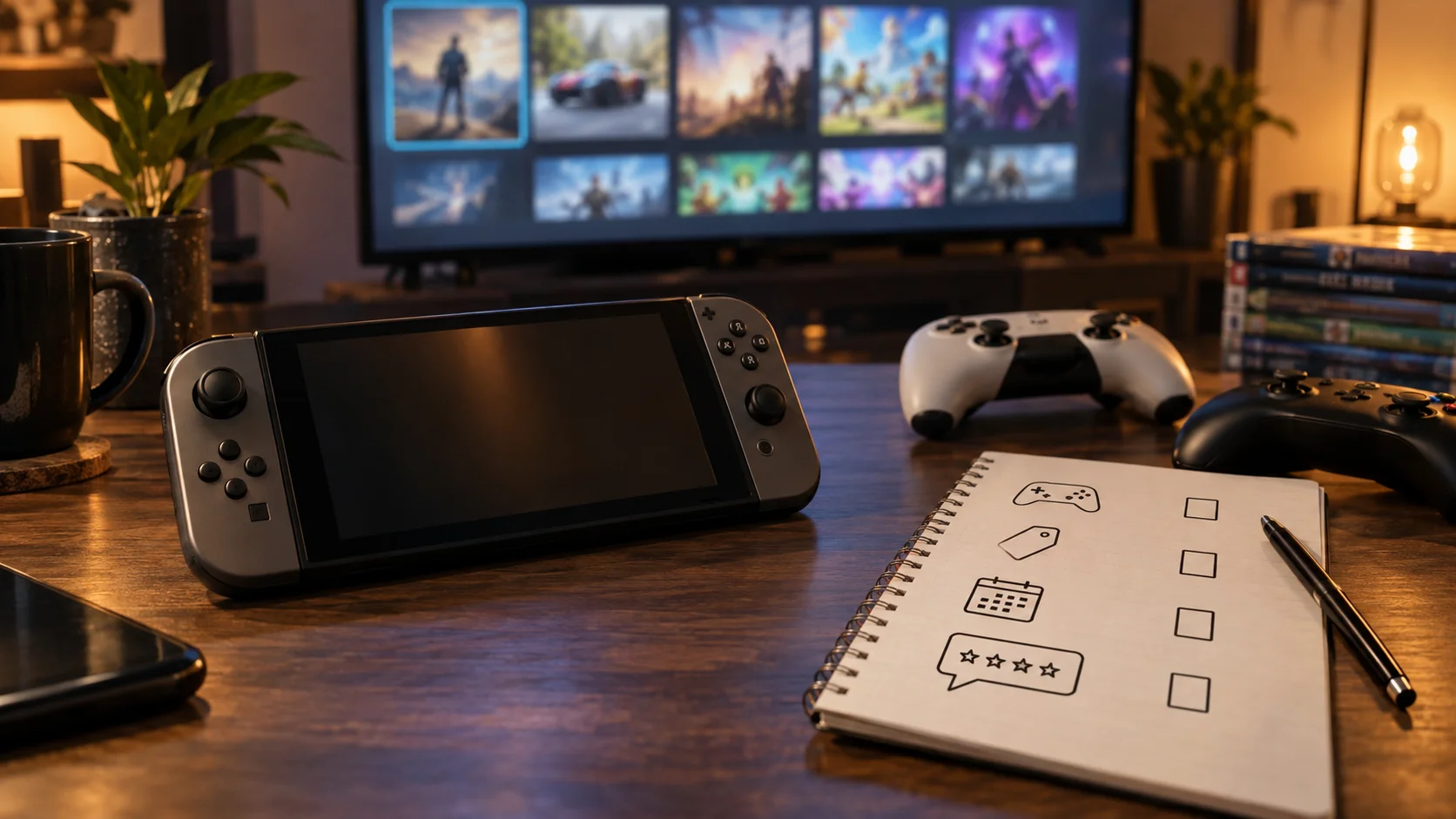
Big game showcases are designed to make everything feel exciting. Nintendo's September 9, 2026 Direct highlighted Switch 2 updates, franchise returns, expansions, and upcoming titles Nintendo Direct 9.9.2026. PlayStation's State of Play page highlights recent updates from PlayStation Studios and partners, including deeper looks at major upcoming games PlayStation State of Play.
Your first move is to write down only the games you would actually play in the next six months. Not games that looked impressive. Not games everyone talked about. Games you can imagine installing, learning, and finishing. That simple filter cuts hype in half.
Step 1: Separate Trailer From Gameplay
Create two columns: cinematic trailer and gameplay shown. A cinematic trailer can be beautiful and still tell you very little about controls, pacing, difficulty, performance, or content. Gameplay is not perfect proof either, but it gives you more to judge.
For each game, note whether you saw actual combat, traversal, menus, camera movement, multiplayer, or only mood. The less gameplay you saw, the less confident you should be. Keep those games in the maybe section until previews or demos arrive.
Step 2: Check Platform And Upgrade Details
Showcase pages often include titles across platforms, editions, expansions, and upgraded versions. Nintendo's Direct page includes Switch 2 editions and updated titles alongside new releases Nintendo Direct 9.9.2026. That means your watchlist should record exactly where you can play the game and whether you need new hardware.
Write down platform, release window, edition, upgrade path, and whether you already own a related version. This prevents accidental rebuying and helps you decide whether a game belongs on a wish list, a sale list, or a wait-for-reviews list.
Step 3: Match Games To Your Actual Habits
A 70-hour RPG may be excellent and still wrong for you during a busy month. A short action game may be better value if you will finish it. A multiplayer game may be wasted if your friends are not buying it. A handheld-friendly game may be perfect if most of your play happens away from the TV.
Use habit labels: quick sessions, long campaign, couch co-op, online with friends, family game, handheld, and backlog breaker. A watchlist organized by habit is more useful than one organized only by hype.
Also check your unfinished games before adding new ones. If three similar games are already waiting, the new trailer may be exciting but not urgent. A watchlist should help you buy for your real time, not your imaginary future free time.
Step 4: Watch Price And Edition Traps
Do not add the most expensive edition by default. Many showcase announcements are followed by standard, deluxe, ultimate, collector, expansion, and early-access versions. Decide what you actually need. Soundtracks, skins, art books, and early unlocks can be fun, but they rarely matter to everyone.
Use a rule: buy the base version unless you can clearly explain why the upgrade improves your play. If you cannot explain it without marketing language, wait. The best value is often the game you will actually play, not the bundle with the longest feature list.
Also check whether physical copies, used copies, subscription access, or later complete editions are likely. Some games are better day-one purchases because friends are playing now. Others are better six months later when patches, discounts, and expansion bundles make the value clearer.
Step 5: Score Each Game Quickly
Give every game a quick score from one to three for interest, confidence, time fit, and price fit. Interest is how much you want it. Confidence is how much real gameplay information exists. Time fit is whether you can actually play it soon. Price fit is whether the launch cost makes sense.
A game with high interest but low confidence should stay on the watchlist. A game with medium interest but perfect time fit may be a better weekend purchase. This simple score keeps the loudest trailer from automatically winning.
Step 6: Wait For Independent Signals
Before pre-ordering, wait for at least one independent signal: hands-on preview, developer interview, demo, technical analysis, review embargo timing, or clear gameplay breakdown. PlayStation's State of Play page can point you to official updates, but official showcases are still marketing surfaces PlayStation State of Play.
This does not mean you should be cynical. It means you should be patient. The best games survive extra information. If your excitement collapses once you see real gameplay or pricing, the watchlist did its job.
Use the same rule for beloved franchises. Familiar names can still launch with technical problems, weak value, or confusing editions. Waiting for one round of outside information is not disloyal. It is how you avoid buying the trailer instead of the game.
Step 7: Rank By Time, Not Just Money
Games cost money, but they also cost evenings. Rank each watchlist item by expected time. A multiplayer game may take months. A story game may take a week. A puzzle game may be a daily habit. A remake may take less energy if you already know the structure.
This time ranking helps avoid the classic problem of buying five releases and finishing none. Put one long game, one short game, and one flexible game on the active list. Move everything else to later.
Step 8: Review The List After Launch
When the game launches, update the list with review summaries, performance notes, patch status, and player feedback. Do not use one angry comment or one perfect score as the whole story. Look for patterns: crashes, weak performance, excellent combat, short campaign, bad matchmaking, or surprising depth.
Then decide: buy now, wait for patch, wait for sale, skip, or borrow. A watchlist is not a shrine to your first impression. It is a tool for making better decisions after more information arrives.
If the game still looks good after launch week, it moves up. If the only reason to buy is fear of missing out, it moves down. Games are supposed to reward your time, not pressure you into scheduling your evenings around marketing.
Bottom Line
A good showcase watchlist turns excitement into decisions. Separate trailers from gameplay, check platforms and editions, match games to your habits, and wait for independent signals before spending.
The point is not to kill the fun. It is to make sure the fun survives past the trailer. A smaller, smarter list usually leads to more finished games and fewer regret purchases.
After every big showcase, give yourself one day to be excited and one day to sort the list. That rhythm keeps the joy of reveals while still protecting your budget, backlog, and free time.
Sources
- Nintendo Direct 9.9.2026
Nintendo | Published | Checked
- State of Play
PlayStation | Published | Checked
Editorial disclosure
This independent gaming how-to guide was written in Codex for editorial review using cited Nintendo and PlayStation sources. It is not sponsored by Nintendo, Sony, or any publisher.