Start with the devices, not the biggest number
To choose a USB-C charger, first check what your laptop and phone require, then match the charger's supported charging standards, output per port and suitable cables. If you want to charge both together, check the simultaneous-output specification as well. A large wattage printed on a box does not, by itself, tell you whether that particular setup will work as intended.
Our suggested approach is to make a small charging plan before browsing products. List the devices you actually carry, whether they need power together, and whether you want a desk charger or something for a bag. This guide helps you read specifications; it does not rank products we have not tested or promise a universal charger for every device.
Confirm that the laptop accepts charging through USB-C
Do not assume every matching socket accepts power input. Microsoft's guidance on slow charging identifies an incompatible charger, the wrong port, insufficient power and an unsuitable cable as possible causes. It recommends checking the computer manufacturer's requirements and connecting to the charging port. Physical fit is only the first check, not a complete compatibility test. Microsoft: PC is charging slowly or discharging while plugged in.
For Macs that charge through USB-C, Apple specifies a USB Power Delivery-compatible adapter or display. It recommends at least the wattage of the adapter specified for the particular Mac for the best charging experience, and says third-party equipment should meet applicable safety standards. Use the guidance for your exact model rather than borrowing a recommendation from another laptop with a similar name. Apple: Use a power adaptor with your Mac.
Understand USB PD and why extra watts are not forced into a phone
USB Power Delivery, usually shortened to USB PD, provides a way for compatible equipment to manage power over USB. USB-IF describes devices taking the power they require, including low-power devices negotiating for less. In a compliant, compatible setup, a charger's higher maximum rating is available capacity; it is not an instruction to push that entire amount into every connected device. USB-IF: USB Charger and Power Delivery.
That does not make wattage irrelevant. You still need the charging capabilities your device supports. Our practical recommendation is to compare the manufacturer's required output with the charger's output table, not simply its headline rating. If a listing does not make compatibility clear, ask the manufacturer before buying. Do not assume that two products described as fast chargers use the same method or offer the same result with your phone.
Check whether your phone calls for PPS
PPS stands for Programmable Power Supply. USB-IF identifies it as a feature of USB PD 3.0 and notes that compatible hosts, devices and chargers are needed to take full advantage of it. The useful shopping question is therefore not just whether a charger mentions PD, but whether it supports the particular feature your phone's charging instructions call for. USB-IF: Certified USB Fast Charger initiative.
Google's Pixel guidance, for example, lists PPS adapters rated at 30W or more and other USB PD adapters rated at 15W or more among its supported choices. It also says charging speed depends on the charger and cable. Those broad compatibility options are not a promise of the highest charging speed on every Pixel model. Check your model's detailed requirements, and follow your own phone manufacturer's guidance if you use a different brand. Google: Charge your Pixel phone.
Read the shared-port specification before buying a multiport charger
Two ports do not necessarily provide the full advertised charger wattage independently. Apple's 35W dual-port adapter is a concrete example: Apple says a connected Mac laptop and iPhone or iPad can each receive up to 17.5W. With a Mac laptop or iPhone plus an Apple Watch or AirPods, the stated split is up to 27.5W and 7.5W. These figures describe that adapter, not a rule for every multiport model. Apple: How to use the 35W Dual USB-C Port Power Adapter.
For your shortlist, find the table or diagram for the exact combination of ports you intend to use. Record the laptop port's available output when the phone is connected, not only when it is used alone. If the documentation gives only a total, ask for the missing per-port details. The presence of two convenient sockets is not enough evidence that both devices will get the power you planned for.
Give the cable its own place on the checklist
USB-IF's cable compliance guidance describes power markings of 60W or 240W for USB-C-to-USB-C cables in its certification programme. It also distinguishes power markings from data-rate markings. A cable's stated power capability is not a promise about file-transfer speed, and a familiar connector shape is not a substitute for checking its rating. USB-IF: Cable and connector compliance updates.
Choose a cable that meets the charging requirements of the setup, with the connector your device actually uses. Our advice is to record cable length and power capability separately from the charger specifications. A cable supplied for a lower-power accessory should not automatically become the cable you depend on for a laptop. Likewise, do not replace a working cable solely because a newer label has a larger number; establish whether it already meets your needs.
Make a realistic power plan instead of guessing
Imagine a hypothetical laptop whose manufacturer recommends 65W for your intended use, plus a phone for which you want a supported 30W charging mode at the same time. Your target is 95W of combined available output. A charger advertised as 100W still needs checking: if its relevant two-port mode allocates 65W and 30W with the required capabilities, it matches that plan; a 45W and 30W mode does not.
This is planning arithmetic, not a prediction of constant power draw or a benchmark. Actual devices need not draw their maximum continuously. You might also decide simultaneous fast charging is unnecessary: perhaps the laptop charges during the day and the phone later. Write down that choice before shopping. A clear use case makes it easier to avoid paying for extra ports or capacity you cannot explain a need for.
Verify the product identity and the practical fit
USB-IF provides a product search limited to products certified through its compliance programme. Its public display defaults to certifications from the last two years, with date filters for older entries. If you are checking a certification claim, match the actual product identity and ask the manufacturer about unclear results; a quick unsuccessful search is not proof that a charger is counterfeit. USB-IF: Product Search.
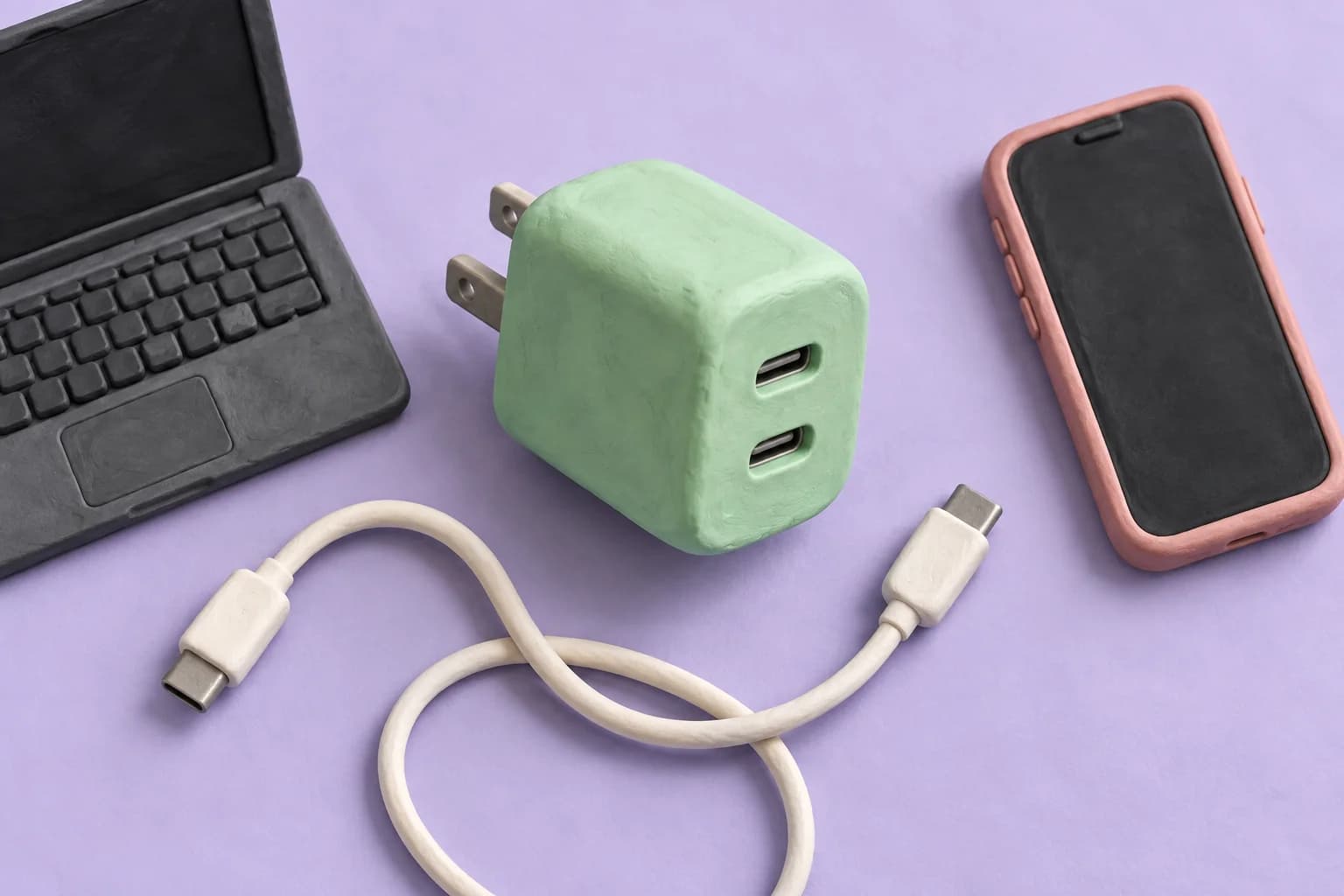
Our final buying checklist also includes the correct regional plug, the manufacturer's stated input requirements, dimensions, weight, included cables and return terms. A compact brick may be appealing, but inspect how it would fit beside adjacent plugs and whether the ports are accessible in your intended setup. The clay-model cover illustrates the topic only; it should not be used to infer dimensions, certifications or the design of a real charger.
Keep the decision specific and the expectations modest
Before ordering, you should be able to name the charging port, required standard, suitable cable and output available with your chosen devices connected. Save the exact product model and its specification page so you can compare what arrives with what you intended to buy. If one of those details is still unknown, ask for clarification rather than hoping a bigger wattage number will compensate.
The right purchase is a documented match for your devices and routine, not necessarily the smallest charger or the one with the most impressive packaging. Start with the requirements, check the shared-port behaviour, and include the cable in the decision. That gives you a useful shortlist without pretending that a specification sheet alone can establish long-term reliability or hands-on charging performance.
Sources
- PC is charging slowly or discharging while it is plugged in
Microsoft Support | Checked
- Use a power adaptor with your Mac
Apple Support | Checked
- USB Charger (USB Power Delivery)
USB Implementers Forum | Checked
- USB-IF Introduces Fast Charging to Expand its Certified USB Charger Initiative
USB Implementers Forum | Checked
- Charge your Pixel phone
Google Pixel Phone Help | Checked
- How to use the 35W Dual USB-C Port Power Adapter
Apple Support | Checked
- USB-IF Cable and Connector Compliance Updates
USB Implementers Forum | Checked
- Product Search
USB Implementers Forum | Checked
Editorial disclosure
Written with AI assistance in Codex using the cited primary sources, checked September 8, 2026. It is a buying checklist, not a hands-on charger review or electrical safety certification. Numerical planning scenarios are hypothetical; manufacturer examples are attributed. The image is AI-generated conceptual clay artwork, not an actual product or wiring diagram. Check current guidance for your exact devices and region before buying.