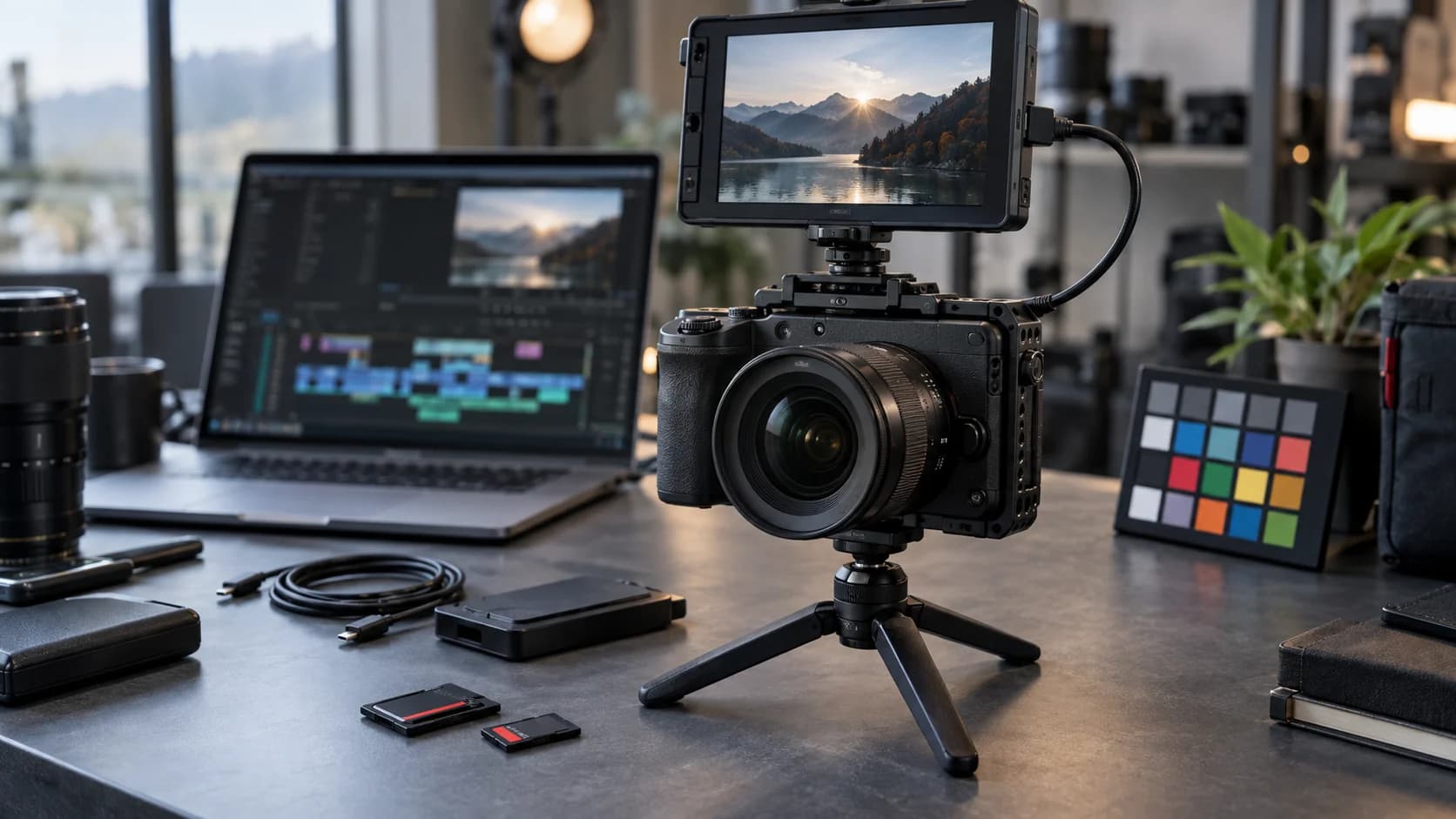
Why the Nikon ZR is back in the conversation
Nikon ZR interest is fresh again because Nikon has announced a new firmware roadmap for the camera. Nikon said on September 8, 2026 that it is developing firmware version 2.00 for the Nikon ZR full-frame sensor camera, with planned additions for H.265 Log workflows, R3D NE focus peaking and future features aimed at anamorphic and open-gate production.
That is enough to make creators look again at the ZR, especially if they shoot YouTube, client interviews, documentaries, short films or small commercial projects. Firmware can change the value of a camera after launch, but it also creates a practical question: should you update immediately, wait for early feedback, or plan a project around the new tools?
This guide is built for the cautious creator. It explains what Nikon has announced, what the changes may mean in production, and what to check before relying on a firmware update for paid work. It is not a hands-on verdict; it is a workflow checklist.
What firmware 2.00 is planned to add
Nikon says firmware version 2.00 is scheduled for release in 2026. The planned features include Log3G10 and REDWideGamutRGB support when recording in H.265, an option for selecting High ISO noise-reduction level during H.265 Log recording, and focus peaking during R3D NE recording. Those are not cosmetic changes. They touch color, file size, focus confidence and low-light handling.
For creators, H.265 Log support is especially interesting because it may provide a smaller-file workflow while preserving more room for grading than a standard look. That does not make H.265 a replacement for RAW in every project. It may be the practical middle ground for travel shoots, quick-turnaround edits, long interviews and smaller teams that cannot handle heavy media on every job.
Focus peaking during R3D NE recording is another practical addition. RAW workflows are attractive because they preserve flexibility, but focus mistakes are expensive. If peaking becomes more useful during recording, solo operators and small crews may have more confidence when pulling focus on the camera body rather than relying on a full external monitoring setup.
Understand what the ZR was built to do
Nikon's original ZR announcement positioned the camera as the first Nikon camera in the Z Cinema series, combining Nikon autofocus and optics with RED color science. Nikon highlighted 6K/60p recording, the R3D NE RAW format, broad dynamic range claims, a large 4-inch DCI-P3 LCD and 32-bit float audio capabilities.
Those features explain why firmware matters here. The ZR is not simply a stills camera with a video mode attached. Nikon built it around cinema-style workflows, and the planned update continues in that direction. A firmware improvement can change how well the camera fits into a grading pipeline, multi-camera production or handheld creator kit.
At the same time, creators should avoid treating the spec sheet as a finished workflow. A camera body is only one part of production. Lenses, media, batteries, microphones, monitoring, color management and post-production hardware decide whether a feature is useful on a deadline.
Check your codec workflow before updating
Before installing any major firmware update, list the codecs you actually use and the software that needs to read them. If firmware 2.00 improves H.265 Log options, confirm that your editing system can play, transcode and export those files reliably. H.265 is efficient, but it can be demanding on older laptops and some collaborative editing setups.
If you plan to shoot R3D NE, check storage and backup speed. RAW or high-bitrate cinema files can overwhelm a casual drive setup. The Nikon ZR product page includes extensive specifications and workflow-oriented details; use them to plan media rather than discovering bottlenecks after a shoot.
A useful test is simple: shoot a ten-minute sample in each format you plan to use, copy it to your normal storage, edit it in your normal software, apply a basic grade and export a deliverable. If that mini-pipeline works without stutter or confusion, the firmware feature is much more likely to help in real work.
Do not update right before a paid shoot
Firmware updates can be valuable, but timing matters. Do not update a primary camera the night before a client shoot unless the update fixes a problem that directly threatens the job. New firmware can alter menus, behavior, compatibility or edge cases in ways that are not obvious from the announcement.
Nikon's ZR Download Center is the right place to find manuals, firmware materials and technical guides. Read the release notes when firmware 2.00 becomes available, confirm the exact camera model, charge the battery fully and follow Nikon's instructions rather than relying on a quick social-media summary.
After updating, rebuild your essentials. Check custom buttons, monitoring tools, audio settings, timecode needs, display overlays, LUT behavior and focus aids. Then shoot a rehearsal. If the camera is part of a multi-camera setup, test color matching and file ingest across the whole set of cameras.
H.265 Log could be the everyday win
For many creators, the most useful planned change may be Log3G10 and REDWideGamutRGB support in H.265. RAW is powerful, but smaller files can be the difference between finishing a project smoothly and spending the night managing drives. A compact Log workflow can be especially valuable for interviews, travel documentaries, event coverage and social deliverables.
The tradeoff is discipline. Log footage usually needs a color-management plan. You should know what LUT, color transform or grading process you will use before the shoot. If you hand files to an editor, make sure they know the intended color space and camera settings. Smaller files do not remove the need for clean exposure and consistent white balance.
High ISO noise-reduction control is also worth testing carefully. Noise reduction can make footage cleaner, but too much can smear fine texture. Nikon says the planned option is meant to help tailor rendering to the creator's intent and the tone of the work. That means there is no single best value. Test faces, dark backgrounds, fabric and fine detail before choosing a default.
Open gate and anamorphic support are future planning items
Nikon also says it is developing new firmware to support frequently requested features including open-gate recording and a desqueeze display for anamorphic lenses, with a goal of incorporating them in ZR firmware in 2027. That is exciting, but it is not the same as having those features today.
Creators should treat those future features as roadmap context rather than a current purchase guarantee. If open gate is essential for your next project, do not base a deadline on a future firmware goal. If it would simply make the camera more useful over time, it is a positive signal that Nikon and RED intend to keep developing the Z Cinema workflow.
Anamorphic shooters should also think beyond the camera menu. Desqueeze monitoring helps, but lenses, adapters, minimum focus, stabilization, matte boxes and post-production handling all matter. A camera update can make the workflow easier; it cannot make an untested lens package production-ready by itself.
Who should pay attention to this update
The update is most relevant for creators who already use or are considering the ZR for serious video work: solo filmmakers, small production teams, YouTubers improving their image pipeline, documentary shooters, wedding filmmakers and anyone mixing Nikon and RED color workflows.
It is less urgent for casual stills shooters or creators who use baked-in looks and quick phone-style edits. Those users may still benefit from bug fixes or future refinements, but the headline additions are clearly aimed at people who care about color grading, focus aids, codecs and monitoring.
The smart move is to prepare now. Download the current manuals, audit your media and editing hardware, save your camera settings, and make a test plan for the first week firmware 2.00 becomes available. Firmware can add creative headroom, but only if your workflow is ready to use it.
Sources
- Nikon is developing firmware version 2.00 for the Nikon ZR full-frame sensor camera
Nikon | Published | Checked
- The Nikon ZR: A new era of limitless cinematic possibilities
Nikon USA | Published | Checked
- ZR | Mirrorless Cameras | Nikon Consumer
Nikon Imaging | Checked
- Nikon Download Center | ZR
Nikon Download Center | Checked
Editorial disclosure
Written with AI assistance in Codex using Nikon documentation checked September 10, 2026. This is a documentation-based creator workflow guide, not a hands-on camera test, lab benchmark or paid recommendation. The featured image is AI-generated realistic editorial photography showing generic camera gear, not an official Nikon product image or exact product depiction.