Why Spotify Lossless is suddenly worth checking
Spotify Lossless is the kind of feature that sounds simple until you try to use it. The switch is real, the quality ceiling is higher, and Premium subscribers finally have a lossless option inside the app. But the result you hear depends on more than one toggle. Your account, app version, speaker path, headphones, network and downloaded files all matter.
The topic also has fresh search demand. Public trend pages checked on September 10, 2026 listed "lossless spotify" among U.S. Google trending searches, so readers are not only asking whether Spotify has lossless audio; they are asking what to do with it now that the setting is showing up. Treat that trend signal as directional rather than a precise search-volume measurement. The useful answer is practical: where the setting lives, when it helps, and why it can still sound ordinary on the wrong setup.
Spotify's own announcement says Lossless began rolling out to Premium listeners in select markets in 2025, with an update that it was available to Premium users in more than 50 markets by October 6, 2025. The same announcement says tracks can stream in up to 24-bit/44.1 kHz FLAC. That does not mean every listening session becomes dramatically better. It means Spotify can deliver a higher-fidelity file when the account, song, device and connection support it.
What Spotify Lossless actually means
Lossless audio keeps more of the original file information than a lossy compressed stream. In Spotify's implementation, the headline format is FLAC, and the ceiling Spotify states is up to 24-bit/44.1 kHz. For listeners, the important phrase is "up to." It is a maximum supported quality, not a promise that every song, device or connection will play at that level at every moment.
Spotify's support page frames Lossless as a Premium feature and says it is unavailable for music videos, podcasts and audiobooks. It also lists app requirements: mobile app version 9.0.58 and above, desktop app version 1.2.67 and above, plus some third-party devices. If you are troubleshooting, check those basics first. A missing setting can be an app version, account or device issue rather than a hidden audio problem.
This also explains why two people can argue about whether they "have" lossless and both be partly right. One person may see the setting on a phone, another may not have the rollout on a connected speaker, and a third may have enabled it for Wi-Fi but not downloads. Lossless is not a global state for your whole life. It is a quality option that has to line up with each way you listen.
How to turn on Spotify Lossless
On mobile or tablet, Spotify says to tap your profile picture, open Settings and privacy, choose Media quality, then select Lossless for Wi-Fi, cellular streaming or downloads. On desktop, the path is similar: profile picture, Settings and privacy, Media quality, then Lossless. The separate choices matter because you may want lossless on home Wi-Fi while keeping cellular quality lower.
For third-party devices, Spotify's support guidance says to connect to the playing device, tap the device icon, choose the device, open Change quality settings and select Lossless. For multi-room devices, Spotify says to open Connect and use the linked settings route. In plain terms, do not assume the phone's own playback setting automatically fixes every speaker in your house. Check the active output device.
After enabling it, look for the Lossless label while music is playing. Spotify's Connect lossless page says the label appears when the setting is active, and the newsroom announcement says the indicator can appear in Now Playing or the Connect Picker. If you do not see a label, work backward through the chain: subscription, app version, song type, device support, device settings and connection quality.
Bluetooth is the part most people miss
The biggest expectation reset is Bluetooth. Spotify's announcement recommends Wi-Fi with wired headphones or speakers on a non-Bluetooth connection, such as Spotify Connect, for the smoothest and best experience. Spotify also says Bluetooth currently does not provide enough bandwidth to transmit lossless audio without compression before it reaches your ears.
That does not mean Bluetooth headphones are bad. It means the word "lossless" describes the stream Spotify can provide, while Bluetooth may still compress the signal between your phone and your headphones. A person using everyday wireless earbuds may notice little or no difference after enabling Lossless, especially in a noisy room or while commuting. The limitation is not necessarily their hearing; it can be the playback path.
The Bluetooth SIG's LE Audio material helps explain the tradeoff. Bluetooth LE Audio introduces LC3, a codec designed for high quality at low data rates and lower power usage. That is valuable engineering, especially for earbuds and hearing devices, but it is still codec-based wireless audio. For a lossless test, start with a wired connection or a supported Spotify Connect device before judging whether the feature matters to you.
Downloads and storage need their own setting
If you listen offline, downloads deserve a separate decision. Spotify says Lossless downloads are supported, but you need to choose Lossless under download quality. If you switch existing downloads to Lossless, Spotify says you may be prompted to update them. That can take time and storage, so do it deliberately rather than right before a trip.
A good approach is to update one playlist first. Pick music you know well, download it over Wi-Fi, then test it on the headphones or speaker setup you actually use. If the storage cost feels high or the difference is not meaningful, keep everyday downloads at a lower setting and reserve Lossless for albums where you care about detail. There is no prize for filling a phone with larger files you cannot hear.
Apple's own lossless guidance for Apple Music makes the same broad storage and data point from another ecosystem: streaming or downloading lossless audio uses more data and space, with higher resolutions using more than lower ones. Spotify's top quality is different from Apple Music's Hi-Res Lossless ceiling, but the practical tradeoff is similar. Better files demand more from storage, bandwidth and playback gear.
Why you may not hear a dramatic difference
Spotify's FAQ is refreshingly direct: lossless offers higher technical fidelity, but it does not always translate into a dramatically different listening experience for everyone. That line matters because audio upgrades are easy to oversell. The difference can be subtle, and sometimes the original recording, mastering, headphones, environment or listener expectations matter more than the file format.
Start with familiar tracks and a quiet room. Listen at a normal volume, then compare the same song through the same device path with Lossless and Very High quality. Pay attention to cymbals, room ambience, bass texture and dense choruses rather than waiting for the song to transform. If you cannot reliably tell, that is useful information. You may still want Lossless for archival confidence, but you do not need to pretend it changed everything.
Also check loudness assumptions. Spotify for Artists says lossless affects sound quality, not loudness, and that Spotify still applies loudness normalization across formats. A louder version can seem better even when the file quality is not the reason. If you are comparing services or settings, keep volume and normalization behavior in mind before deciding that one stream is clearer.
The best setup for trying it properly
The cleanest Spotify Lossless test is boring in a good way: Premium account, updated app, stable Wi-Fi, a song available in lossless, and a wired headphone or supported Spotify Connect speaker path. Spotify recommends a steady internet connection of 1.5 to 2 Mbps for the best lossless listening experience. That is not an extreme speed requirement, but unstable Wi-Fi can still cause buffering or force a practical quality compromise.
If the stream glitches, lower quality manually and see whether the problem disappears. Spotify says some devices may adjust automatically, but its troubleshooting advice includes lowering the quality setting when lossless causes audio glitches or buffering. In a busy home, the best choice may vary by room. A wired desk setup can use Lossless while a kitchen speaker stays at a more forgiving quality setting.
For people who mainly use wireless earbuds outside, Spotify Lossless may be more of a home-listening feature. For people with wired headphones, a DAC, an AV receiver or a compatible speaker system, it is more immediately useful. The setting is free within eligible Premium plans, so the sensible move is not to buy new gear first. Try it on your best existing setup, then decide whether the improvement is worth changing habits.
Should you turn Spotify Lossless on?
Yes, turn it on for Wi-Fi listening if you have Spotify Premium, enough storage for the downloads you choose, and at least one playback setup that avoids Bluetooth compression. It is especially worth trying for albums you know well, quiet listening sessions, home speakers and wired headphones. It is less urgent for podcasts, audiobooks, music videos, casual car listening and wireless earbuds used in noisy places.
Keep the decision practical. Enable Lossless where it helps, leave cellular streaming conservative if data matters, and update only the downloads you care about. Watch for the Lossless label, check the active device settings and do not judge the feature through a connection that compresses the signal anyway.
The strongest reason to use Spotify Lossless is not bragging rights. It is control. You can now choose the highest Spotify music quality for the situations where your gear and environment can benefit from it. If you hear more detail, great. If you do not, you have still learned something about your listening chain before spending money on accessories you may not need.
Sources
- Google Trending Searches for September 10, 2026
Trend Calendar US | Checked
- Lossless Listening Arrives on Spotify Premium With a Richer, More Detailed Listening Experience
Spotify Newsroom | Published | Checked
- Lossless Audio Quality
Spotify Support | Checked
- Spotify Connect Lossless
Spotify | Checked
- Lossless audio
Spotify for Artists | Checked
- Play lossless audio in Music on iPhone
Apple Support | Checked
- LE Audio
Bluetooth SIG | Checked
Editorial disclosure
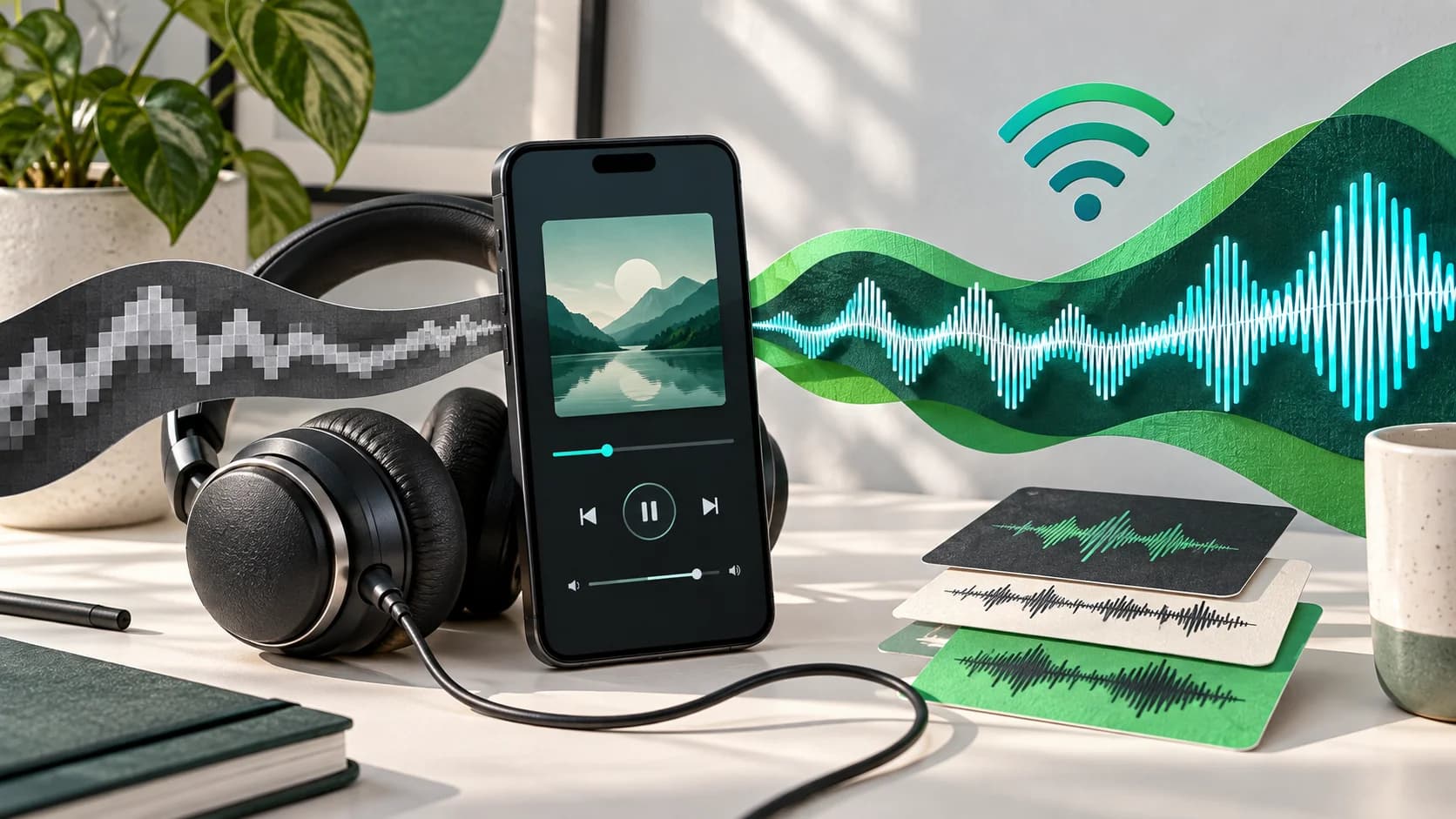
Written with AI assistance in Codex using Spotify, Apple and Bluetooth documentation checked September 10, 2026. This is an explanatory setup guide, not a lab audio test, endorsement or paid recommendation. Search-interest context was checked from public trend pages and is directional, not a verified search-volume claim. The featured image is AI-generated conceptual artwork and does not show Spotify's app interface, logo or an official device.