Black bars usually protect the picture
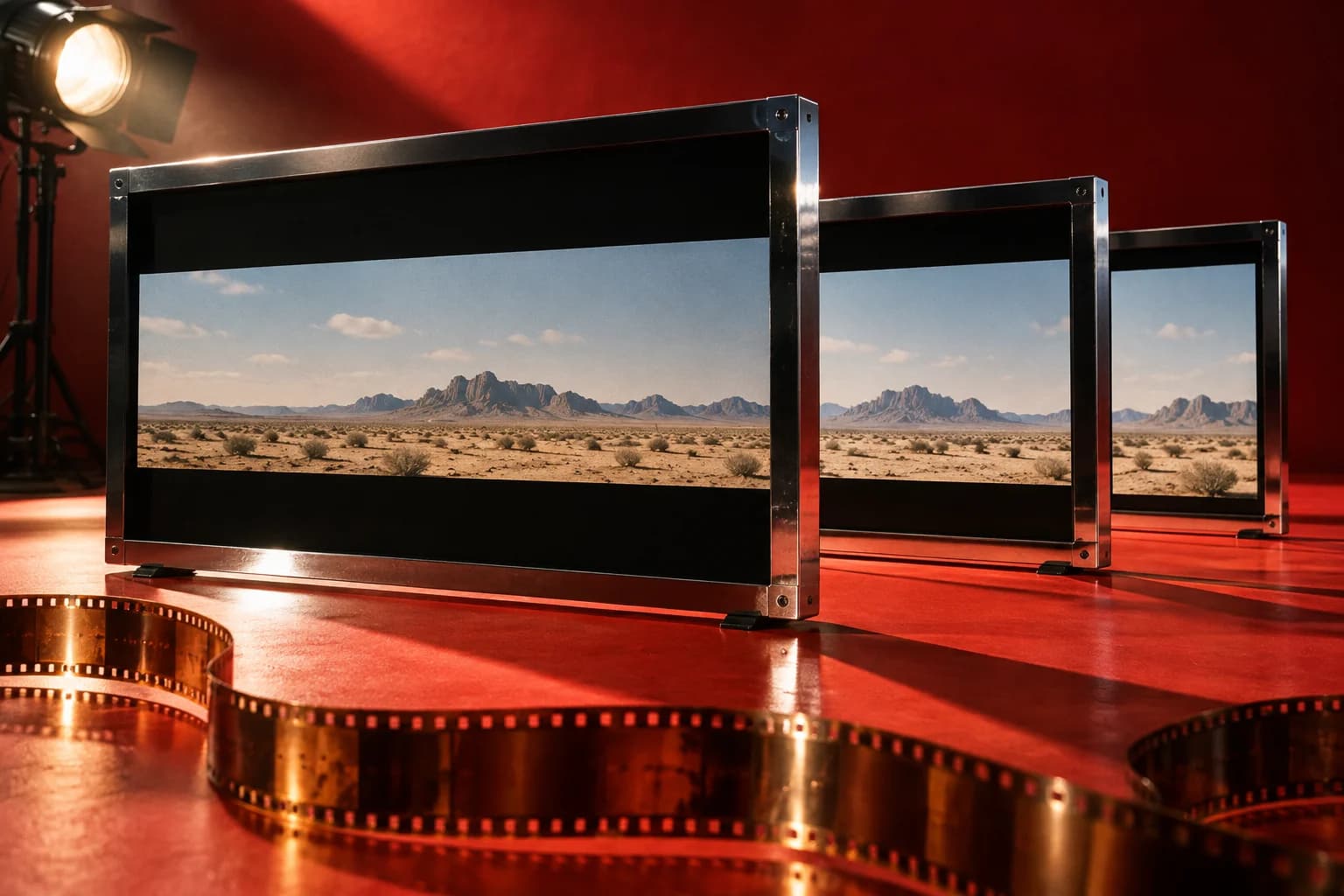
Movies usually have black bars because the shape of the picture differs from the shape of your screen. Keeping the complete frame visible leaves unused space above and below it, or at its sides. Netflix explains that bars let wider titles retain their original format without stretching the image. Their presence alone does not mean the movie is playing incorrectly. Netflix: Black bars on screen.
Before reaching for the zoom button, ask a different question: is the whole composition visible, with natural-looking proportions? Filling every corner of a television is not the same thing as seeing the whole shot. Understanding that distinction makes the borders less mysterious and helps you decide when a setting actually needs attention.
Aspect ratio describes shape, not screen size
An aspect ratio expresses width relative to height. A 16:9 rectangle is sixteen units wide for every nine units tall; dividing gives approximately 1.78:1. The units could be centimetres or simply an imaginary grid. Enlarging that rectangle does not change its proportions. Adobe's guide distinguishes a frame's aspect ratio from the shape of its individual pixels, an additional consideration in some video formats. Adobe: Aspect ratios.
For ordinary viewing, concentrate on the frame rather than memorizing production terminology. A 4:3 picture is proportionally narrower than 16:9. A 2.40:1 picture is wider. Those numbers describe different rectangles, not quality grades. A larger first number, when the second number is one, does not automatically mean a sharper image, a better transfer or a more impressive movie.
Why a wide film still leaves space on a wide television
Widescreen is not one universal shape. Adobe describes letterboxing as fitting a wider image inside a narrower frame while retaining its width, leaving bands above and below. Its example compares 16:9 material with a 4:3 display. The same geometric problem exists when a movie is proportionally wider than a 16:9 television. Adobe: Frame aspect ratio.
Here is a simplified calculation, using square pixels and a centred image without overscan. Imagine a 2.40:1 picture fitted across a 1920-by-1080 screen. Its displayed height would be 1920 divided by 2.40, or 800 pixels. That leaves 280 pixels of unused height: 140 above and 140 below. The arithmetic is an illustration, not a measurement of a particular streaming file.
Turning up resolution would not solve that mismatch. Double both screen dimensions and the proportions stay the same; the unused space doubles too. To remove the borders, something else must change: the image must be cropped, distorted, or replaced by an edition with different framing. A screen shaped like that particular movie would be another solution, but would not fit every other ratio.
Side bars are the same problem in the other direction
A narrower picture fitted to the height of a wider display leaves space at the left and right. This is commonly called pillarboxing. Sony's display guidance describes showing a 4:3 source with side bars to preserve its proportions on a 16:9 television. Stretching that image horizontally fills the display but changes its shape. Sony: Black bars appear on the top, bottom, and sides.
The simplified arithmetic works here too. A 4:3 picture displayed 1080 pixels high is 1440 pixels wide. On a 1920-pixel-wide screen, that leaves 240 pixels on each side when centred. Think of the bars as room around the image, rather than strips automatically covering something that should be visible. Whether an edition has itself been reframed is a separate question.
Zoom and stretch make different compromises
Zoom enlarges an image; it does not reveal material outside the supplied frame. Netflix warns that its zoom-to-fill feature on some mobile devices may trim the sides. Stretching instead changes proportions to make the picture occupy a differently shaped rectangle. Neither operation is equivalent to receiving a legitimately expanded version of the film. Netflix: Black bars on screen.
Try this thought experiment: imagine two characters standing near opposite edges of a wide shot, with a doorway between them. Cropping to a narrower shape might remove one character's gesture. Stretching vertically might retain both people but make the doorway and their faces unnaturally tall. This invented example explains the trade-off; it does not claim that every crop loses essential action. You can prefer a larger image while recognizing what that choice changes.
A film can deliberately change shape during playback
An expanding picture is not automatically a television malfunction. Disney+ says some IMAX Enhanced movies use the expanded ratio only for selected sequences. Its help page specifies 1.90:1 and explains that eligible titles can offer an alternate version through a Versions tab. Check the title description: an expanded edition does not necessarily use the taller frame throughout. Available titles and interfaces should be confirmed in your own region. Disney+: IMAX Enhanced.
The term IMAX also does not promise one identical rectangle in every setting. In its 2023 announcement for Oppenheimer, IMAX described certain film-camera sequences expanding to 1.43:1 in theatres equipped for 15-perforation 70mm film. That is a historical presentation example, not a statement that the same framing is available on your streaming service or that those screenings are currently running. IMAX: Oppenheimer in IMAX 70mm.
Check the edition before deciding a picture is wrong
Sometimes more than one presentation is intentionally offered. Criterion lists On the Waterfront at 1.66:1, with alternate 1.85:1 and 1.33:1 presentations in its two-Blu-ray special edition. That is a useful concrete reminder to read an edition's specifications. Different framing does not, by itself, identify a defective copy. It also does not mean every release of that film includes every option. Criterion: On the Waterfront.
When comparing two versions, note the distributor, release format and named presentation before judging screenshots. Compare the same moment, not two similar-looking shots. Our suggested questions are whether the sides are missing, whether extra material appears above and below, and whether objects retain their proportions. A simple taller-versus-wider comparison cannot establish which version best represents a filmmaker's intentions without further production or release documentation.
When it is worth checking your settings
Start by separating a film-specific border from a broader display problem. Sony recommends checking the television's menu and trying another input; if the issue occurs only on one input, inspect the connected device's settings. It also notes that picture controls vary by model and that zoom or wide modes can cut off parts of the picture. Use your own model's documentation rather than assuming another television's menu labels apply. Sony: Black bars appear on the top, bottom, and sides.
Our practical suggestion is to change one setting at a time and record the original choice. Start with any zoom or stretch option you knowingly enabled. Check a familiar scene and any on-screen text before deciding whether the change helped. If the borders are consistent with the film's shape and the image is undistorted, leaving them alone is usually the simplest way to preserve the supplied framing. The goal is to enjoy the movie, not win a contest against unused screen space.
Sources
- Black bars on screen
Netflix Help Center | Checked
- Aspect ratios
Adobe | Checked
- Frame aspect ratio
Adobe | Checked
- Black bars appear on the top, bottom, and sides of the TV picture
Sony | Checked
- IMAX Enhanced on Disney+
Disney+ Help Centre | Checked
- Oppenheimer in IMAX 70mm
IMAX | Published | Checked
- On the Waterfront
The Criterion Collection | Checked
Editorial disclosure
Written with AI assistance in Codex using the cited primary sources, checked September 8, 2026. It is an explanatory guide, not a hands-on review of televisions, streaming accounts or film editions. The featured image is AI-generated conceptual artwork styled as studio photography, not a real film still, actual equipment test or to-scale technical diagram. Streaming features and available editions can change by region and over time.