Tech5 min read
How to Turn Off Read Receipts for One Person on iPhone
Stop one contact from seeing when you read their iMessages while keeping read receipts available for everyone else, with fixes for confusing settings.
The Daily Unfold archive
Catch up, dig deeper, or discover something completely unexpected.
8 stories in Tech
Stop one contact from seeing when you read their iMessages while keeping read receipts available for everyone else, with fixes for confusing settings.
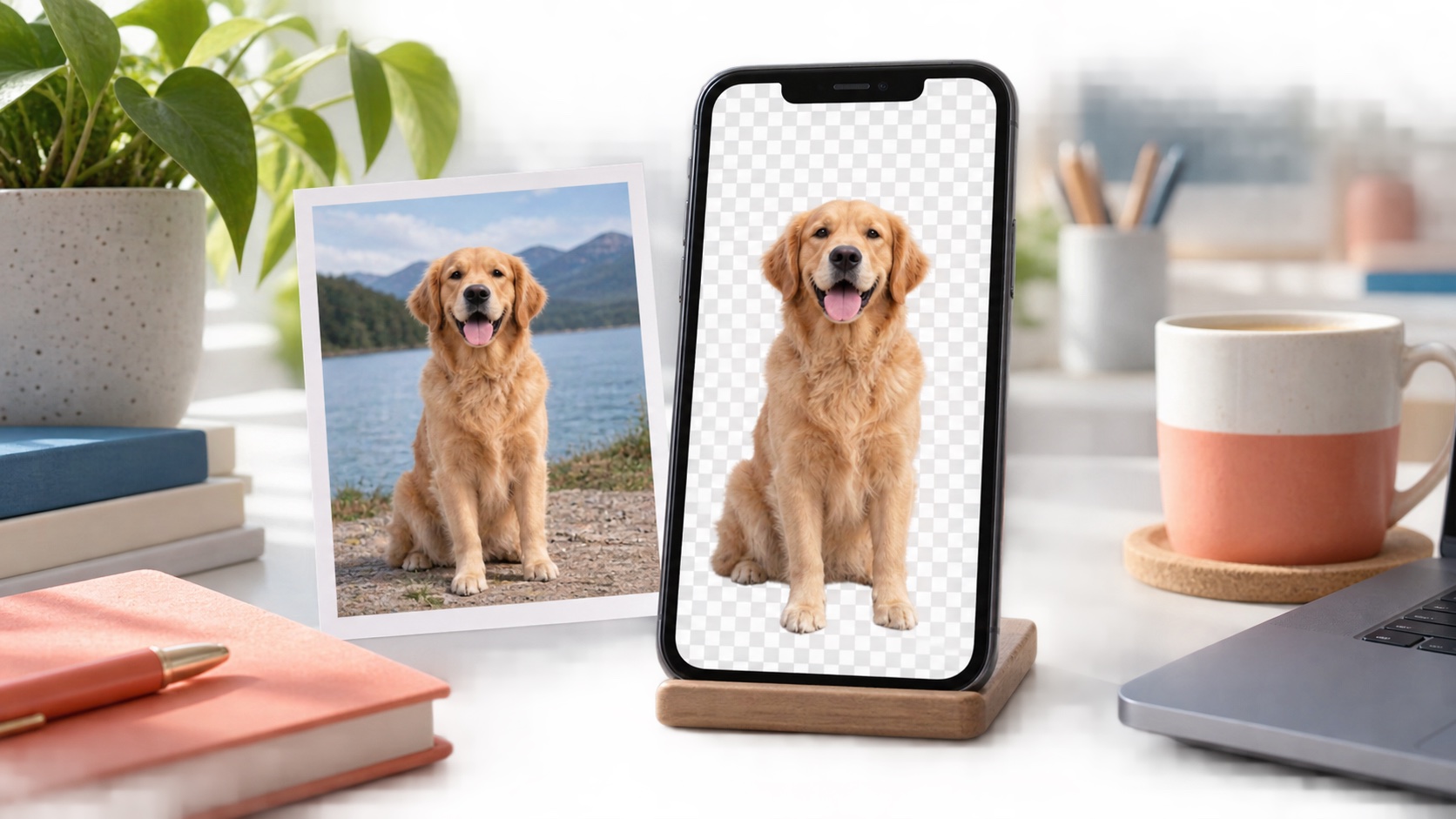
Remove or isolate a photo background using built-in iPhone tools, save the cutout correctly and fix images where subject detection fails.
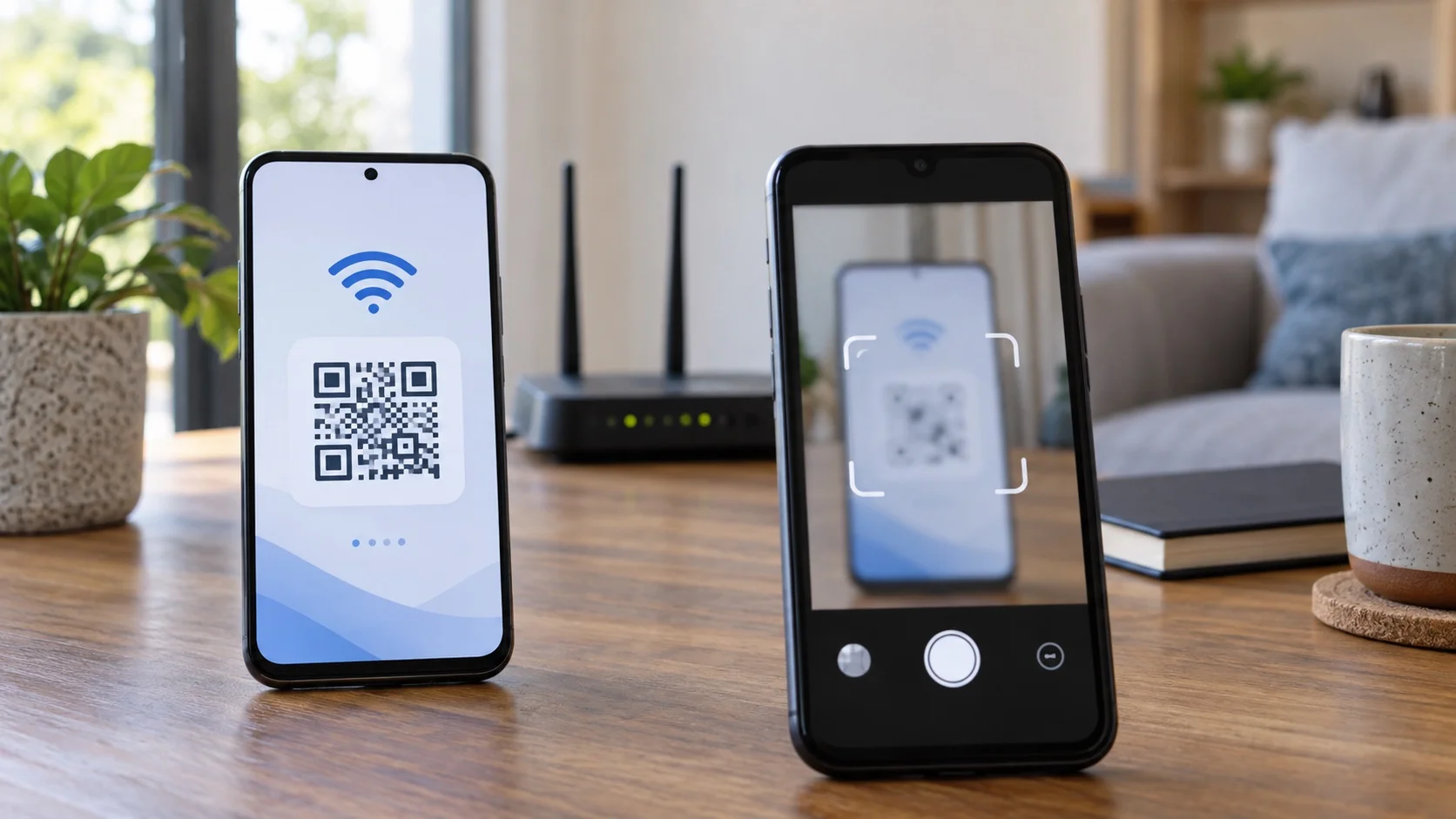
Share Wi-Fi access from an iPhone to an Android phone by revealing the saved password and entering it securely, with QR options and troubleshooting steps.
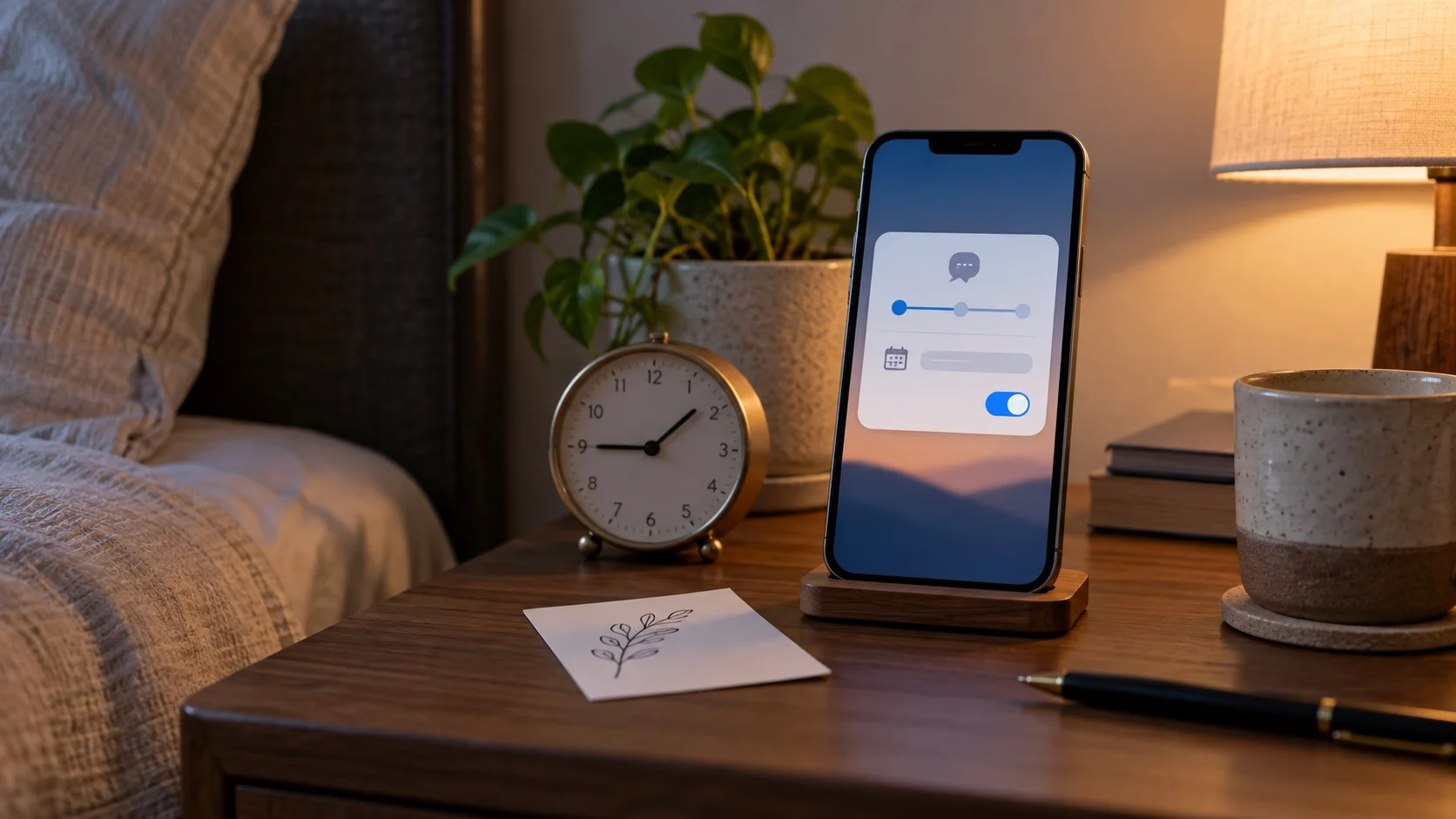
You can schedule a message from an iPhone even when the recipient uses Android. Here is how Send Later works, what it requires and how to fix common problems.
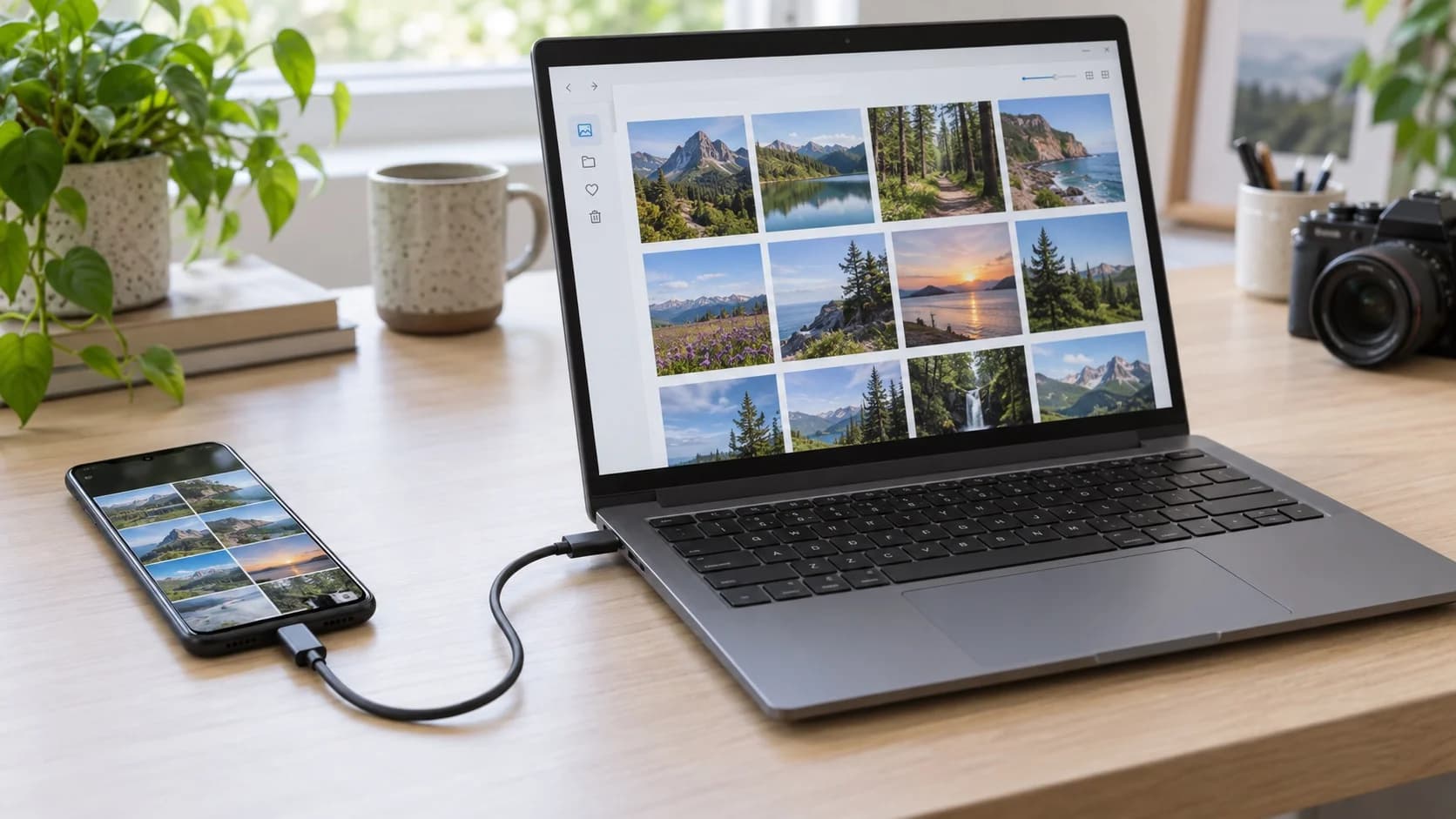
Move photos and videos from an iPhone to a Windows PC with a USB cable, without using iCloud. Follow these steps and fix the most common import errors.
Set up passkeys without locking yourself out. This guide explains where they are stored, how cross-device sign-in works and which recovery checks to make first.
Move contacts, photos, messages and apps between iPhone and Android with fewer surprises by preparing both phones and checking the transfer before reset.
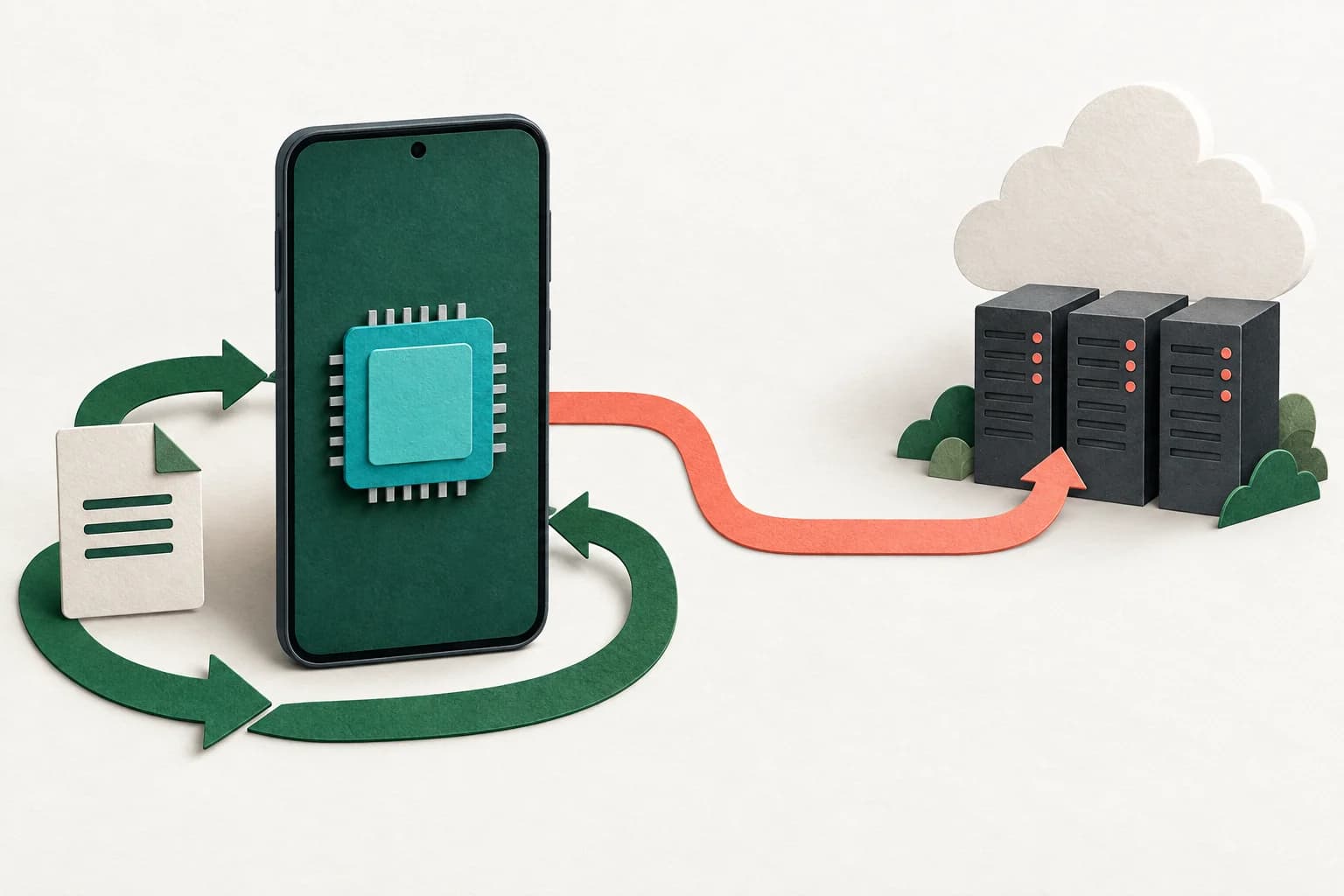
Understand local, cloud, and hybrid AI processing, then use a feature-level checklist to assess connectivity, data handling, and the limits of privacy claims.